Mastering Mockups: The Black Tote Bag Design Asset
When you are finalizing a presentation for a client or uploading a new product to your online store, the difference between a flat graphic and a realistic product image is massive. This is where the Tote Bag, color Black Mockup 5 becomes an essential part of your toolkit. It is not just a picture of a bag; it is a high-resolution, 300 DPI digital canvas designed to elevate your work from a simple sketch to a market-ready visual. Because this is an instant download, you can immediately integrate it into your workflow without waiting for shipping or physical samples.
Visual Characteristics and Style
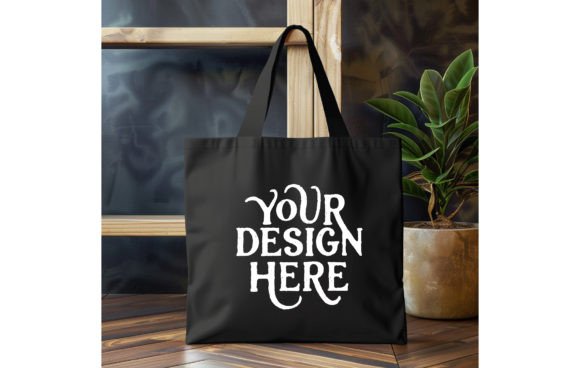
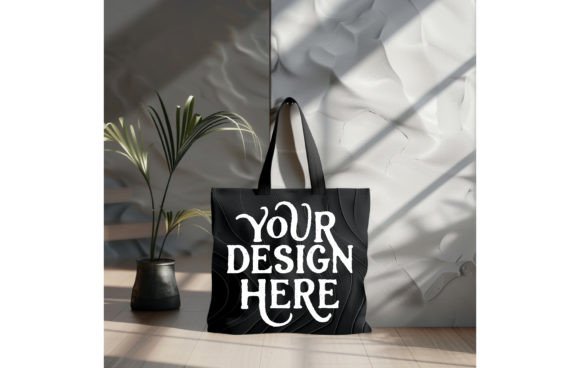
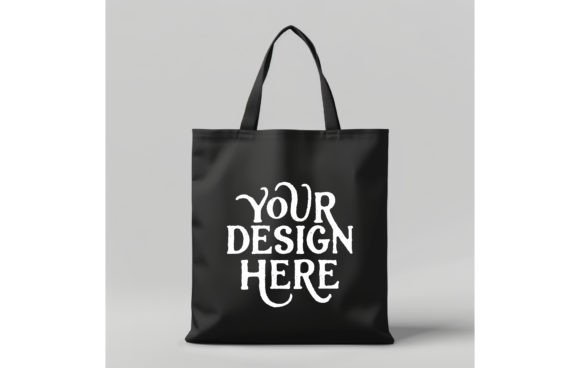
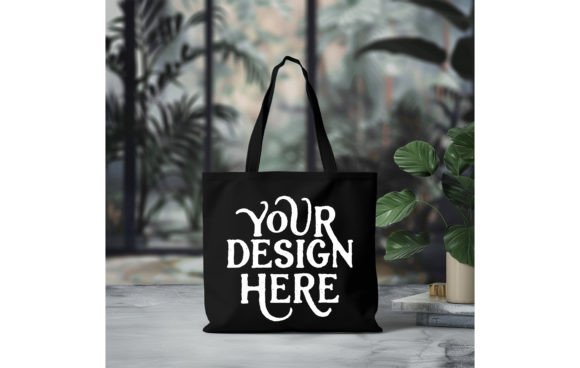
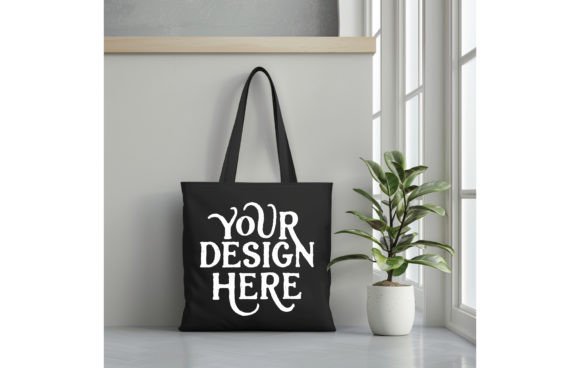
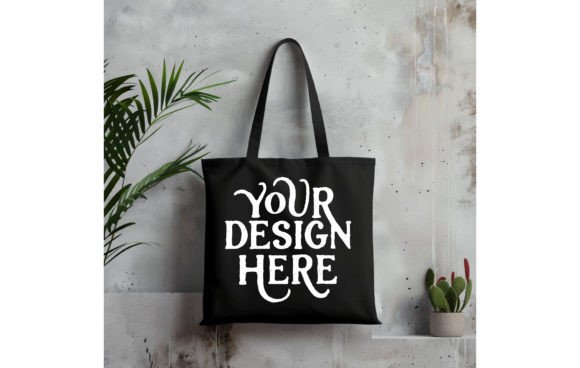
The Tote Bag, color Black Mockup 5 features a classic, unbleached canvas tote set against a stark black background. The visual personality of this asset is clean, professional, and versatile. The fabric texture is visible, which adds a layer of realism that flat digital previews lack. You can see the weave of the canvas and the subtle shadows of the bag’s structure, giving your design depth. The black background serves a specific purpose: it isolates the product, ensuring that your specific artwork—whether it is a complex illustration or a minimalist logo—remains the focal point. The lighting is balanced to highlight the center of the bag where your design will sit, ensuring that colors pop and details remain crisp.
Practical Applications for Creatives and Businesses
This mockup is incredibly flexible, making it suitable for a wide range of projects. If you are a graphic designer working on a branding package, you can use this to show a client how their new logo looks on merchandise. For print-on-demand sellers, this is a vital tool for creating product listings that look professional and trustworthy. The 1500x1500px size is optimized for digital platforms, making it perfect for social media graphics, website hero images, and email marketing headers. It is also ideal for crafters who want to visualize a sublimation design or a heat transfer vinyl project before committing to the physical production process.
Design Versatility
- T-Shirt and Apparel Design: While labeled for totes, the canvas texture and perspective work well for visualizing apparel concepts.
- Illustration and Art Prints: Artists can display their watercolor or digital art on a tangible product to gauge audience interest.
- Logo and Brand Identity: Test how different logo iterations sit on fabric. Does a sans serif font work better than a script font on this texture?
- Packaging Design: Use the image to mock up gift sets or promotional bundles for corporate events.
Integrating the Mockup into Your Brand Strategy
Consistency is key in brand identity. Using the Tote Bag, color Black Mockup 5 allows you to maintain a uniform aesthetic across your marketing materials. When you use the same lighting and background for all your product mockups, your website and social feeds look curated and professional. This builds trust with your audience. For example, if you are launching a collection that includes a premium font design or a display font illustration, presenting it on this mockup ensures that the typography is the hero of the image. The high resolution means you can zoom in on specific details of your design to show texture and quality, which is crucial for editorial design and web design layouts.
Technical Specifications for Best Results
The file is delivered as a single JPG at 300 DPI. This high dots-per-inch count is standard for print quality, meaning the image will not pixelate if you need to use it in a printed catalog or lookbook. The 1500x1500px square format is the industry standard for Instagram posts and product thumbnails on platforms like Etsy or Shopify. To get the most out of this asset, ensure your design files are prepared at a similar resolution. When placing your artwork, pay attention to the lighting direction in the mockup; aligning your design's shadow with the mockup's natural shadows will create the most realistic effect.
Choosing the Right Design to Feature
Not every design works on every surface. The Tote Bag, color Black Mockup 5 works best with designs that have high contrast. Because the bag is a natural beige/canvas color, dark designs might get lost unless they have a distressed or vintage style. Conversely, bright colors, white ink, and metallic effects look stunning against the neutral background. When evaluating your project fit, consider the "personality" of the mockup. It has a casual, eco-friendly vibe. Therefore, it pairs perfectly with handwritten fonts, organic illustrations, and modern typography that feels approachable. If you are designing for a luxury brand that requires a sleek, minimal aesthetic, the raw texture of this tote might clash with a rigid geometric sans serif.
Design Pairing and Hierarchy
When placing text on the mockup, think about visual hierarchy. If you are using a creative font for a main headline, ensure the supporting text is legible. A common mistake is using a complex script font for contact information or website URLs—this rarely works on textured surfaces. Instead, use the script font for the main brand name and a clean sans serif for the details. This ensures readability while maintaining style. Test your layout by stepping back from the screen; if the text blurs into the canvas texture at a glance, you need to increase the contrast or simplify the typeface.
Finalizing Your Presentation
Once you have placed your design into the smart object or layer, take a moment to review the overall composition. Does the design feel centered? Does it respect the natural folds of the bag? The goal of using a mockup like the Tote Bag, color Black Mockup 5 is to bridge the gap between imagination and reality. By using this high-quality asset, you save the time and money associated with photography while still delivering a polished, professional result to your clients or customers. It is a practical solution for anyone looking to showcase their work effectively in the digital marketplace.